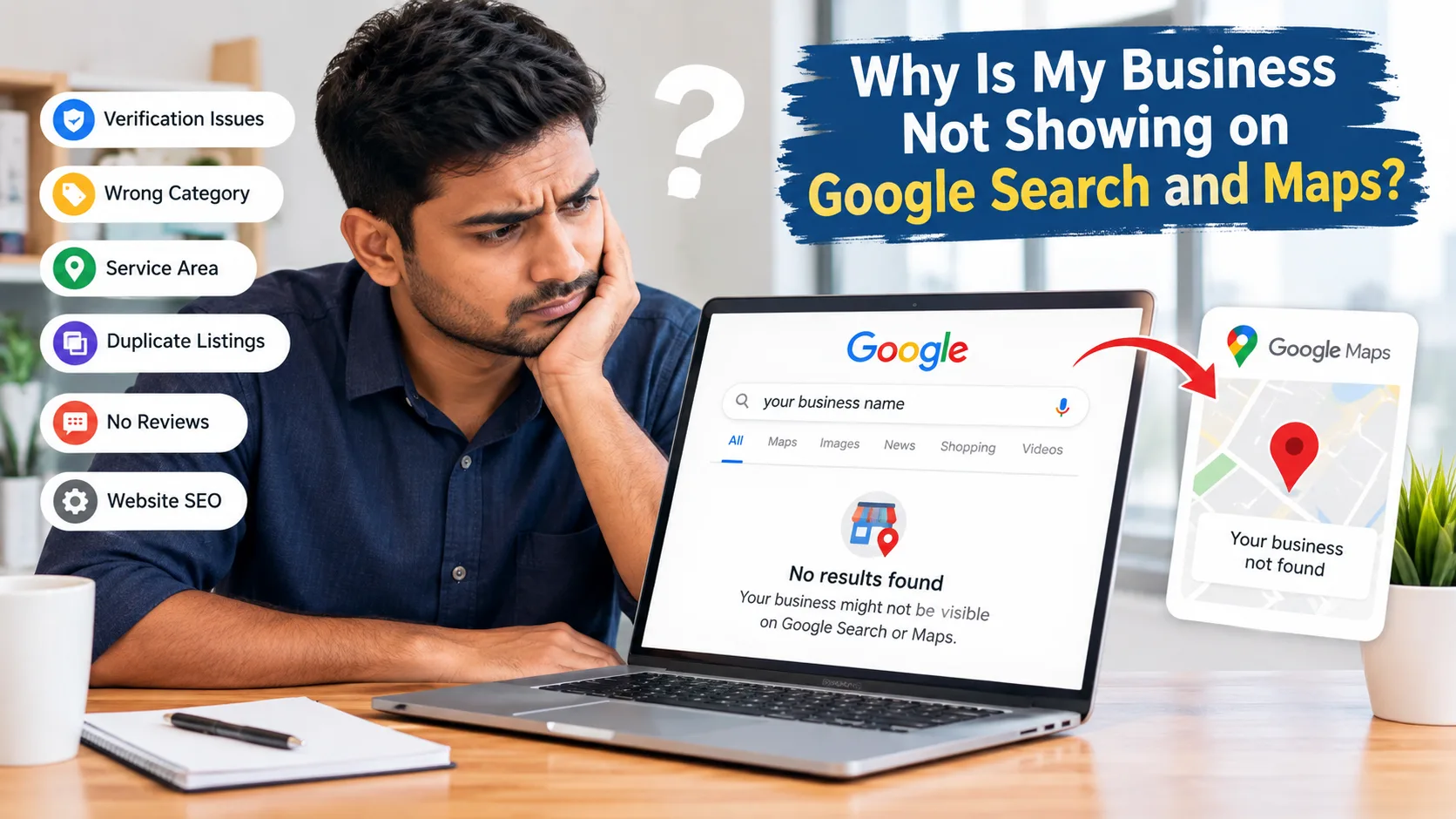
Why Is My Business Not Showing on Google Search and Maps?
If customers cannot find your business on Google, the reason could be anything from an unverified Google Business Profile to incorrect business information, duplicate listings, weak local SEO, or low local ranking. This guide explains the common problems and the practical steps you can take to improve your visibility on Google Search and Maps.
Before making major changes, you need to find out whether your business is missing from Google completely or is simply ranking lower than expected.
First Understand Why Your Business Is Not Showing on Google
The first step is to identify exactly what is happening with your listing.
Search Your Exact Business Name
Start with a simple Google search.
Your Business Name + City
For example:
ABC Digital Marketing Asansol
Then check the same business on Google Maps.
If your profile appears for the exact business name, your listing may already be published. The problem could instead be local ranking.
If it does not appear anywhere, check your Google Business Profile status, verification and account information.
Check Google Maps Separately
Google Search and Google Maps can sometimes show different results.
Search your business name directly inside Google Maps and check:
- Business name
- Address
- Phone number
- Website
- Business category
- Opening hours
- Reviews
- Photos
This simple check can help you understand whether your profile exists but has low visibility.
Do Not Confuse Ranking With Verification
This is one of the most important points.
If your business is verified but does not appear in the top local results, that does not necessarily mean Google has removed your profile.
It may simply mean that your business is not ranking strongly for that particular search.
Google's local results consider factors such as relevance, distance and prominence, so visibility can vary depending on the search and location.
Check Your Google Business Profile Verification and Information
A common reason for a Google Business Profile not showing is an unfinished verification process or incomplete business information.
Make Sure Your Profile Is Verified
Open the Google account connected to your Business Profile.
Check whether Google is asking you to complete verification.
If verification is still pending, follow the verification method provided by Google. Avoid creating another profile just because the first one has not appeared yet.
Complete Every Important Profile Detail
Go through your profile and check:
- Business name
- Primary category
- Address
- Phone number
- Website
- Opening hours
- Business description
- Services
- Photos
- Service area
Incomplete information can make it harder for Google and customers to understand your business. Your information should also be accurate. Do not add unnecessary keywords to your business name, address or other fields just to try to rank higher.
Choose the Right Business Category
Your primary category should describe what your business actually does. if your main service is website development, choose the most accurate available category rather than selecting unrelated categories because they contain popular keywords. Your services can then provide additional context about what you offer.
Check Your Location, Service Area and Duplicate Listings
If your business is not appearing on Google Maps, location information deserves special attention.
Check Your Business Address
If customers visit your business location, make sure the address shown on your profile is correct.
Avoid using:
- Fake addresses
- Unrelated locations
- Random residential addresses
- Locations where your business does not actually operate
Incorrect location information can create problems for your Business Profile.
Review Your Service Area
Some businesses do not receive customers at a physical shop or office. Instead, they travel to customers.
- Plumbers
- Electricians
- Cleaning companies
- Repair services
- Home service providers
If your business operates this way, make sure your service area accurately represents where you actually serve customers.
For local SEO India this is especially useful for businesses serving multiple nearby cities, towns or districts.
Look for Duplicate Business Profiles
Search Google Maps using your:
Business Name + City
If you find multiple listings for the same business, do not simply create another one. Duplicate profiles can create confusion for customers and may affect how your business information is displayed. Check which profile is the correct one and resolve ownership or duplicate issues through the appropriate Google process.
Your Business May Be on Google but Not Ranking
Sometimes the answer to why my business is not showing on Google is actually a ranking issue. Your profile may be visible, but it may not appear for every local search.
Example of a Ranking Difference
A digital marketing agency may appear when customers search its exact business name but not rank highly for SEO agency in Asansol or digital marketing agency near me. In this case, the profile exists, but its local ranking may need improvement.
Improve Local Relevance
Your Business Profile and website should clearly communicate:
- What your business does
- What services you provide
- Where you operate
- Who your services are for
Natural language is better than keyword stuffing.
Build Useful Local Content
Your website can support your local SEO strategy with helpful pages such as:
- Service pages
- Location pages
- Frequently asked questions
- Helpful guides
- Case studies
- Business information
The content should provide genuine value to customers rather than being created only to insert keywords.
Improve Reviews, Website Relevance and Local SEO
Your Google Business Profile is only one part of your online presence.
Your website, reviews and other business information can also support your local visibility.
Encourage Genuine Customer Reviews
Reviews help potential customers understand what it is like to deal with your business.
After completing a genuine service, you can encourage customers to leave honest feedback.
Avoid:
- Fake reviews
- Buying reviews
- Creating reviews yourself
- Asking customers to write misleading experiences
A natural review profile is more useful than a large number of suspicious reviews.
You should also respond to customer reviews professionally.
Make Your Website Relevant
Your website should clearly tell visitors:
- Who you are
- What you offer
- Where you operate
- How customers can contact you
For example, if you provide digital marketing services in Asansol, your website should have useful information about those services and the areas you genuinely serve.
Your website should not simply repeat the same location keyword again and again.
Keep Business Information Consistent
Check your business information across relevant online platforms.
Important details include:
Business Name + Address + Phone Number
If these details are frequently different across websites, directories and social profiles, review and correct outdated information where possible.
Focus on relevant and trustworthy business listings rather than submitting your business to hundreds of low-quality directories.
Check Suspension, Policy Problems and Website SEO
If your profile suddenly disappears, there may be a verification, policy or account problem rather than a normal ranking issue.
Check for a Google Business Profile Suspension
Log in to the Google account managing your profile and look for notifications.
If your profile has been suspended, review the relevant Google guidelines and follow the official reinstatement or appeal process where applicable.
Do not immediately create another profile for the same business.
Check Your Website Indexing
If the problem is actually that your website is not showing on Google, check your technical SEO.
- Robots.txt
- XML sitemap
- Canonical URL
- Page accessibility
- Internal links
- Page titles
- Search Console indexing status
A page that Google cannot crawl or index will not perform normally in organic search.
Check Your SEO Title and Meta Description
Every important page should have a clear SEO title and useful meta description.
SEO Title:
Business Not Showing on Google? Here's How to Fix It
The primary keyword should be used naturally rather than repeated unnecessarily.
This also addresses the SEO issue shown in your screenshot where the audit reported that the keyword was missing from the SEO title and meta description.
Step-by-Step Google Visibility Checklist
If your business not showing on Google, use this checklist before making random changes.
Step 1: Search Your Exact Business Name
Check both Google Search and Google Maps.
Step 2: Check Verification
Make sure your Google Business Profile is verified and active.
Step 3: Review Your Primary Category
Choose the category that best represents your actual business.
Step 4: Check Your Business Information
Review your name, phone numbe address website and opening hours.
Step 5: Check Your Service Area
Make sure your service area matches the places where you genuinely serve customers.
Step 6: Search for Duplicate Profiles
Look for duplicate listings on Google Maps.
Step 7: Review Your Business Profile
Add useful services relevant information and genuine business photos.
Step 8: Improve Your Website
Create useful, relevant pages for your actual services and locations.
Step 9: Check Reviews
Encourage genuine customers to leave honest reviews and respond professionally.
Step 10: Check for Suspension
Look for account or profile notifications from Google.
Step 11: Check Website Indexing
Use Google Search Console to identify crawling or indexing problems.
Step 12: Give Changes Time
Do not repeatedly change your business name, category or other important information just because the result does not change immediately.
How TZAP Marketing Can Help with Local SEO
If your business is still difficult to find online, the problem may involve several areas at the same time. TZAP Marketing can help businesses improve their website, local SEO, content and overall digital presence so customers can understand their services and find relevant information more easily.
Conclusion
If your business not showing on Google, first identify whether the problem is verification, incorrect information, duplicate listing, suspension, local ranking or website SEO. Each problem requires a different solution. Start with your Google Business Profile, check your business information and category, review your location and service area, look for duplicate listings, and then examine your website and local SEO. A complete and accurate profile combined with useful website content, genuine reviews and consistent business information can give your local search strategy a stronger foundation.
Need help improving your local Google visibility? Contact TZAP Marketing for website, SEO and digital growth solutions.
Frequently asked questions
Why is my business not showing on Google?
Your business may not be verified, your profile may have incomplete information, or your listing may have a duplicate, suspension or ranking issue.
Why is my business not appearing on Google Maps?
Check your Business Profile verification, address, service area, category and possible duplicate listings.
How long does it take for a business to appear on Google?
The timing can vary depending on verification and Google's processing. New profiles and recent changes may not appear immediately.
Can reviews improve local Google visibility?
Genuine customer reviews can contribute to a business's online prominence and also help potential customers understand the business.
Does a website help local SEO?
Yes, a useful and technically accessible website can support your broader local SEO strategy by clearly explaining your services, business and relevant locations.
What should I do if my Google Business Profile is suspended?
Check the notification in your Google account, review the applicable Business Profile guidelines and use Google's official appeal or reinstatement process when available.