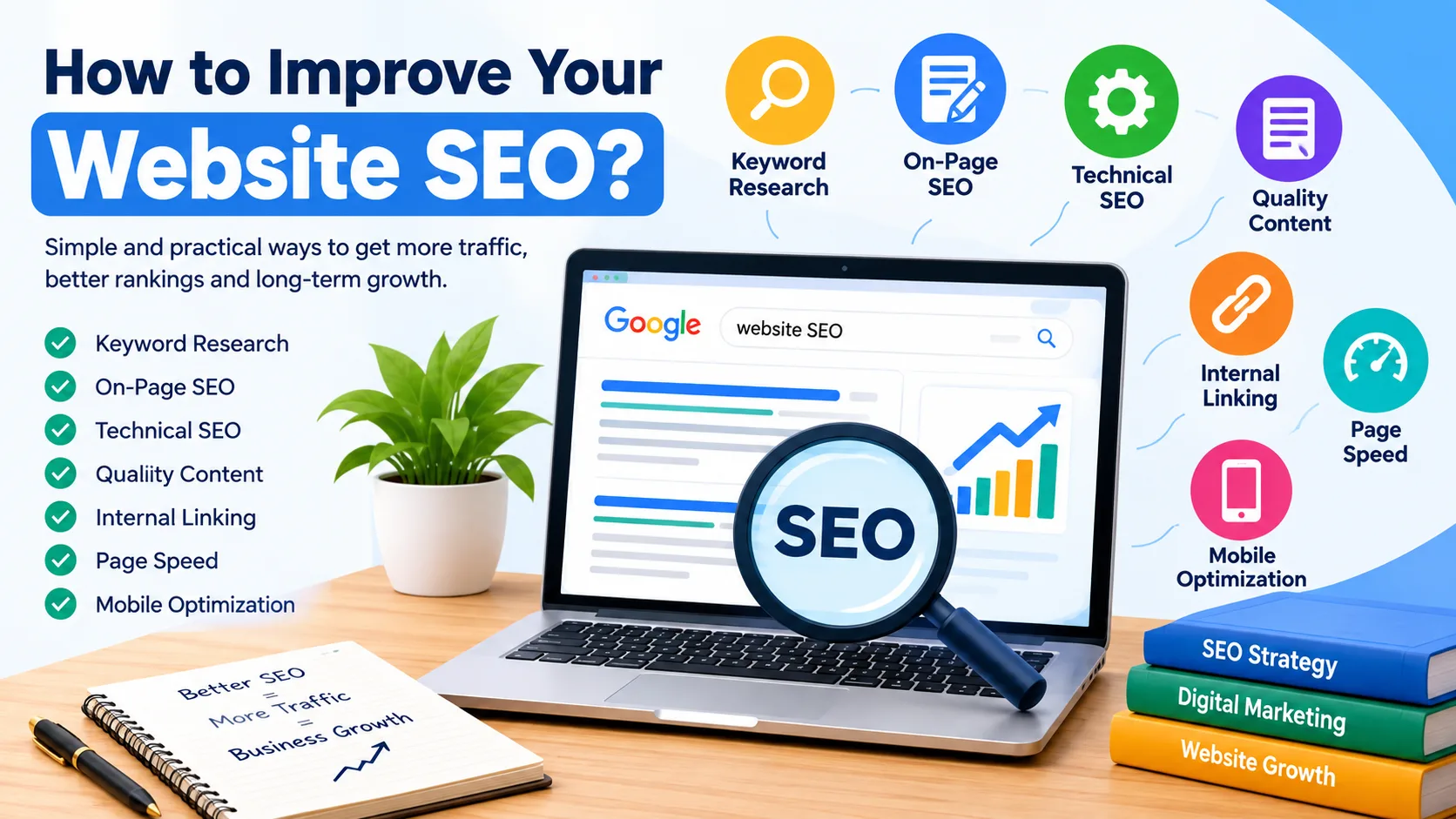
Start With the Right SEO Strategy
You built a website, but nobody can find it on Google. This is a common problem, and the good news is that you can fix it. Learning how to improve your website SEO does not need special skills. You only need to follow a few clear steps. This guide explains each one in simple words, so even a school student can understand it. If you ever need expert help, TZAP Marketing, a digital marketing agency in Durgapur, works with businesses on exactly these things.
Why You Should Learn How to Improve Your Website SEO
SEO means Search Engine Optimization. It is the work of making your website easy for Google to find, read, and show to people.
Think of Google as a big library and your website as one book. A book with a clear title and useful pages gets recommended. A messy book gets ignored.
Most people click only on the first few results. If you are not there, your visitors go to someone else. The best part is that organic SEO traffic does not require paying for every click like paid advertising. However, SEO still requires time, effort, and sometimes investment. You do not pay for every click like you do with ads, and a good page can bring visitors for months or even years.
Start With Keyword Research
A keyword is a word or phrase people type into Google, like "best pizza in Delhi." Keyword research means finding out which words your customers use.
Find the Right Keywords
- Write down topics related to your business.
- Think like your customer and ask what they would type.
- Start typing in Google and read the suggestions under the search box.
- Check "Related searches" at the bottom of the results page.
Choose Long Keywords First
Long keywords have less competition, so beginners can win with them.
- "Shoes" is too broad.
- "Running shoes for flat feet" is better.
- "Running shoes for flat feet under 2000 rupees" is best, because the buyer is almost ready.
Use one main keyword per page, and use it naturally. Repeating it too many times looks like cheating and bores your readers.
Understand Search Intent
Search intent is the reason behind a search. Someone who types "how to bake a cake" wants a recipe, not a page selling cake pans. Always ask what the person really wants, and then give exactly that.
Improve Your On-Page SEO
On-page SEO means the small changes you make directly on your pages. They help Google understand the page and help people decide to click.
Title and Meta Description
The title is the blue line in Google results. Keep it under about 60 characters and add your main keyword if it fits.
- Weak: "Home"
- Better: "Affordable Web Design Services for Small Businesses"
The meta description is the short text below the title, about 150 to 160 characters. It does not directly raise rankings, but a good one gets more clicks. Write it like a tiny advertisement. Give every page its own title and description.
Headings
Headings work like the titles in a school textbook. Use one H1 for the page title, H2 for the main sections, and H3 for smaller parts inside a section. Good headings help readers skim and help Google understand your page.
URLs and Images
A good URL is short, uses small letters, and has hyphens between words. For example,
example.com/running-shoes
is clear, while
example.com/page?id=12345
tells nobody anything.
Compress images so they load fast. Use clear file names like red-running-shoes.jpg instead of IMG_4821.jpg. Also add alt text, a short description of the picture. It helps blind users with screen readers and helps Google understand the image.
Create High-Quality Content
Google wants to show people the best answer to their question. So your job is to write the best answer.
- Answer one clear question. Ask what your reader wants to know, and then answer it fully.
- Keep it simple. Use short sentences, easy words, and small paragraphs.
- Make it easy to scan. Use lists, steps, and examples, because most people read on phones.
- Stay original. Never copy from other websites. Copied or duplicate content can make it harder for your page to perform well in search results.
- Do not stretch it. A clear 1,000-word article beats a boring 3,000-word one full of filler.
- Keep it fresh. Prices and facts change. Every few months, fix old numbers and add new information. An article called "Best Phones of 2024" will not help anyone in 2026, but updating it can bring quick results.
Fix Technical SEO Problems
Technical SEO sounds scary, but the basics are simple. It means making sure Google can enter your site and read it without trouble.
- HTTPS: Your address should start with "https" and show a lock icon. This means the connection is secure. Most hosting companies give it for free, and visitors trust secure sites more.
- Sitemap: A sitemap is a list of your important pages, like a map for Google. Most website platforms create one automatically. Submit it in Google Search Console, a free tool from Google.
- Broken links: A broken link leads to a page that does not exist, called a "404 error." It annoys visitors, so check your site now and then and fix or remove such links.
- Duplicate pages: If the same content sits on many pages, Google gets confused about which one to show. Keep one clean version of each page.
If these steps feel confusing, a local SEO company in Durgapur like TZAP Marketing can audit your website and fix the problems for you.
Improve Page Speed and Mobile Experience
Nobody likes waiting. If a page opens slowly, most people leave. Many visitors access websites from mobile devices, so your site should provide a good mobile experience.
Page Speed
- Compress large images, as they can significantly affect page loading speed.
- Delete plugins and apps you do not use.
- Choose good hosting, since very cheap hosting is often slow.
- Avoid too many pop-ups and animations.
- Turn on caching.
Test your speed for free with Google Page Speed Insights. It shows exactly what is slowing you down.
Mobile Optimization
Open your website on a real phone and check four things. Is the text readable without zooming? Are the buttons easy to tap? Do the images fit the screen? Is the menu simple to use? If the page scrolls sideways, fix it.
Use Internal Links, Backlinks, and Tracking
Once your pages are good, connect them, earn trust, and measure what works.
Internal Links
An internal link goes from one page of your site to another page on the same site. It helps visitors find more useful pages and helps Google see how your pages are connected. Use clear link text. Write "read our guide on page speed" instead of "click here." Add links only where they make sense.
Backlinks
A backlink is a link to your site from another website. Think of it as a vote of trust. One link from a respected website is worth more than fifty from poor ones. Honest ways to earn backlinks:
- Create helpful guides that people want to share.
- Write guest articles for websites in your field.
- List your business in trusted local directories.
Never buy cheap bulk links. Google can punish sites that cheat, and recovering is very hard.
Tracking Your Results
Use two free tools. Google Search Console shows which searches bring people to your site. Google Analytics shows how many visitors you get and what they do. Check them once a month, do more of what works, and fix what does not. SEO takes time, usually a few months, so do not give up after two weeks.
Common Mistakes and Final Thoughts
Most beginners make the same mistakes. Avoid these:
- Repeating the same keyword too many times
- Copying content from other websites
- Ignoring mobile users
- Uploading huge images
- Buying fake or low-quality links
- Expecting results overnight
Conclusion
Now you know how to improve your website SEO. It is not about tricks or secret formulas. It is about building a website that is helpful, fast, easy to use, and easy for Google to understand. Start small. Pick two or three steps from this guide and finish them this week. If you want a team to handle it for you, TZAP Marketing, a trusted digital marketing agency in Asansol and Durgapur, can help you grow step by step. Help your visitors first, and the rankings will follow.
Frequently asked questions
How long does SEO take to work?
Usually it takes 3 to 6 months to see clear results. New websites may need more time. SEO is slow, but the results last longer than ads.
Is SEO free?
Yes, you can do basic SEO yourself for free. You only need your time and free tools like Google Search Console and Google Analytics. Paid tools and agencies are optional.
How many keywords should I use on one page?
Use one main keyword and a few related words. Do not force them. If a sentence sounds strange when you read it aloud, rewrite it.
Does page speed really affect SEO?
Yes. Slow pages make visitors leave, and Google wants to show fast, easy-to-use websites. Compressing images is the quickest way to improve speed.