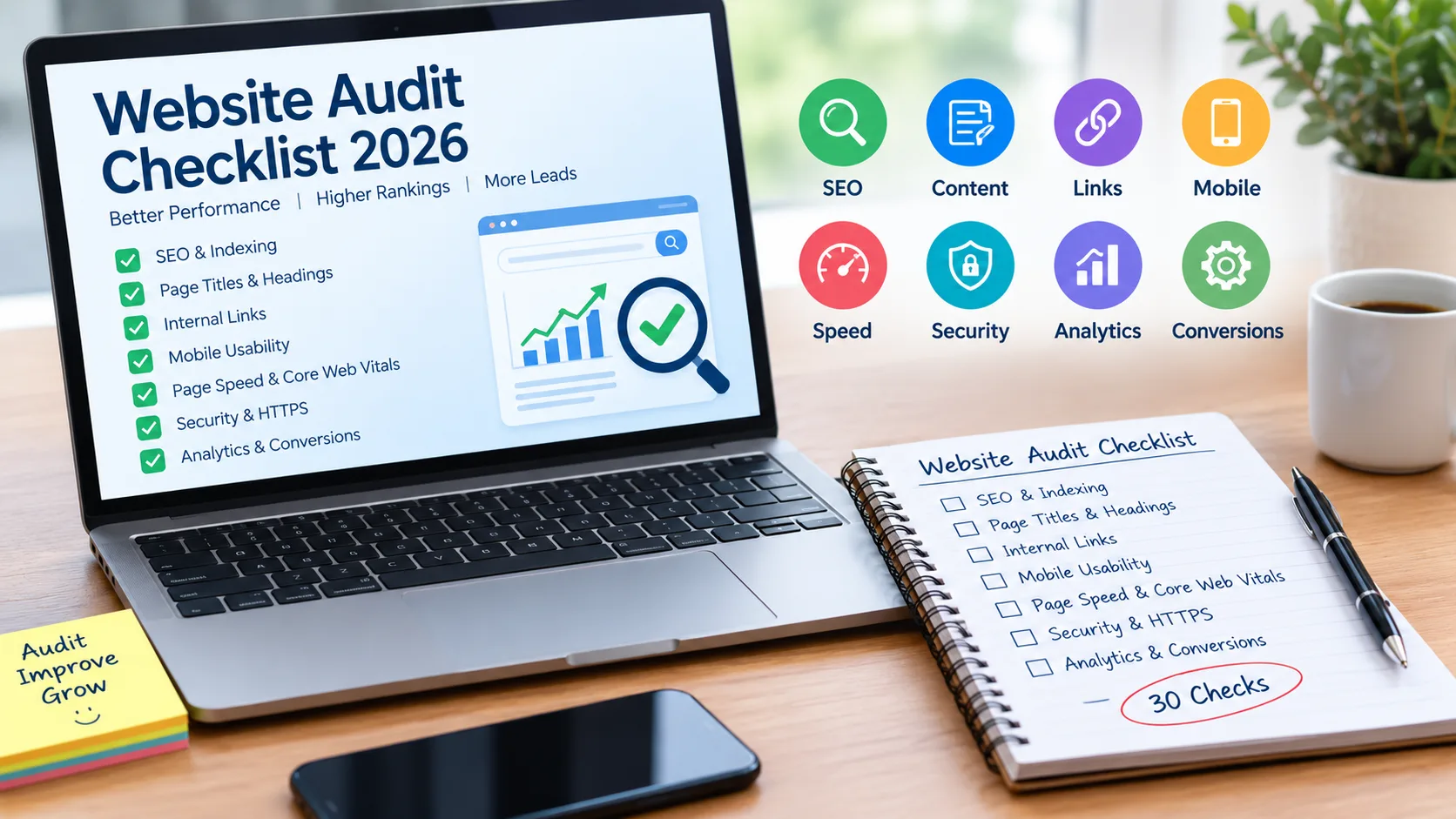
Website Audit Checklist 2026: 30 Things Every Business Website Should Check
A website can look good and still lose traffic, leads, or search visibility because of small technical and SEO problems. This Website Audit Checklist 2026 covers 30 practical checks for SEO, indexing, speed, mobile usability, security, content, links, analytics, accessibility, and conversions.
A website audit is like a health check for your website. It helps you find problems that visitors may notice and issues that search engines may struggle with.
For a business website, checking only keywords is not enough. You also need to look at whether important pages can be found and indexed, whether the website works well on mobile, whether pages load properly, and whether visitors can easily contact you.
Google recommends looking at technical accessibility, helpful content, page experience, links, and other search fundamentals rather than focusing on one single SEO signal.
Use the following website audit checklist and tick each item as you complete it.
Check Website Indexing and Technical SEO
The first part of an SEO website audit is making sure Google can actually access and understand your important pages. If a page is blocked or accidentally marked no index, even excellent content may not appear in Google Search.
1. Check whether important pages are indexed
Use Google Search Console to check your homepage, service pages, product pages, and important blog posts.
2. Test important URLs
Use the URL Inspection tool to see how Google understands a specific page and whether it can be indexed.
3. Check your robots.txt file
Make sure important sections of the website are not accidentally blocked from crawling.
4. Check the XML sitemap
Your sitemap should contain the important, canonical URLs you want search engines to discover.
5. Check canonical URLs
Look for duplicate or very similar pages and make sure the preferred version is clear.
Google notes that not every URL needs to be indexed. Duplicate, removed, or intentionally excluded pages can be left out, but important business pages should be accessible and indexable.
6. Check HTTPS
Your website should use HTTPS and should not show browser security warnings.
Quick tool examples: Google Search Console, Page Speed Insights, Rich Results Test and a browser's developer tools can help with this part of the audit.
Check Titles, Headings, Content and Images
Once the technical basics are clear, review the actual pages. Good SEO is not about repeating the same keyword again and again. Each page should clearly explain what it offers and who it is for.
7. Check every page title
Give important pages clear and descriptive titles. Avoid vague titles such as Home or Services. Google recommends concise descriptive title text.
8. Write useful meta descriptions
Create a natural description that explains what visitors can expect from the page.
9. Use one clear H1
The main heading should quickly tell visitors what the page is about.
10. Organize H2 and H3 headings
Use headings to break long content into easy sections. This makes the page easier to scan.
11. Check keyword intent
Ask: does the page actually answer what people searching for this topic want?
12. Remove thin or unnecessary content
If a page contains very little useful information, improve it, combine it with another relevant page, or remove it when appropriate.
13. Add descriptive image alt text
Alt text should describe useful images naturally. Don't fill it with repeated keywords. Google also recommends descriptive alt text because it helps search engines understand images and improves accessibility.
14. Check image size and format
Large images can make pages slower. Compress images while keeping them clear enough for visitors.
Check Internal Links, URLs and Broken Pages
Links connect the different parts of your website. They help visitors move from one useful page to another and help Google discover pages.
15. Add relevant internal links
For example, a blog about website design can naturally link to your website development service page.
16. Use meaningful anchor text
Instead of click here, use descriptive text such as
Google recommends crawlable links with relevant anchor text and says important pages should be reachable through links from other discoverable pages.
17. Find broken internal links
Check links that lead to 404 pages or URLs that no longer exist.
18. Check redirects
When a page has permanently moved, make sure the old URL redirects to the correct new page.
19. Keep URLs simple
Short, readable URLs are easier for people to understand and share.
For example:
example.com/website-audit-checklist
20. Check navigation
Visitors should be able to reach important pages without getting lost.
A simple menu might include Home, About, Services, Blog and Contact. The exact structure depends on the business.
Check Mobile Usability, Speed and Core Web Vitals
Many people first visit a business website from a phone. A website audit should therefore include both mobile usability and loading performance.
21. Test the website on mobile
Check menus, buttons, forms, text size, images and page layout on different screen sizes.
22. Check page loading speed
Test important pages, especially your homepage and main service or product pages.
23. Check Core Web Vitals
Google's Core Web Vitals currently focus on:
- LCP: loading performance
- INP: responsiveness
- CLS: visual stability
Google's recommended good targets are LCP within 2.5 seconds, INP below 200 milliseconds and CLS below 0.1.
24. Reduce unnecessary scripts
Remove plugins, scripts, tracking codes and other resources that are not needed.
25. Check layout stability
Buttons, images and text should not suddenly jump around while a page is loading.
Don't try to get a perfect speed score only for SEO. Google says Core Web Vitals are useful for user experience and Search, but good scores alone do not guarantee top rankings.
Check Security, Forms and Accessibility
A website audit should also ask a simple question Can real people use the website safely and comfortably?
26. Check website security
Make sure HTTPS works correctly and there are no obvious security warnings.
27. Test every contact form
Submit your forms yourself. Check whether messages reach the correct email or CRM.
28. Test important buttons and CTAs
Your Call Now Get Quote-Book a Demo- Buy Now or Contact Us buttons should work.
29. Check accessibility basics
Make sure text is readable, images have appropriate alt text, buttons are understandable and important information is not available only through color.
30. Check the website on different browsers
Test important pages on Chrome, Edge, Safari and other browsers used by your customers.
A website that works well for search engines but frustrates visitors still has a problem. Google also recommends that websites be secure, accessible and usable across devices.
Check Analytics, Schema and Conversion Tracking
A good website health check should not stop at technical errors. You also need to know what visitors do after arriving on the website.
Check Google Analytics or your analytics platform
Make sure tracking is working and important pages are receiving data.
Check Google Search Console
Look at clicks, impressions, queries and pages. Search Console's Performance report can show which searches and pages are bringing traffic.
Track important conversions
Depending on your business, conversions may include:
- Contact form submissions
- Phone calls
- WhatsApp clicks
- Quote requests
- Purchases
- Bookings
- Newsletter sign-ups
Check structured data
If relevant to your website, use appropriate structured data and test it before publishing.
Google for Developers
Check important business information
Your name, phone number, email, address, opening hours and service information should be accurate and easy to find.
Review your top landing pages
Look at pages receiving search traffic and ask whether they give visitors a clear next step.
Turn the Audit into an Action Plan
Finding 30 problems at once can feel overwhelming. You don't need to fix everything on the same day.
Start with problems that can directly affect whether visitors or search engines can access your website.
Your Website Audit Summary
Technical
- HTTPS works
- Important pages are indexable
- Robots.txt is checked
- XML sitemap is working
- Canonical URLs are correct
SEO
- Page titles are descriptive
- Meta descriptions are useful
- H1/H2 headings are organized
- Content matches search intent
- Images have useful alt text
- Internal links are relevant
- Broken links are fixed
- URLs are clean
Performance
- Mobile layout works
- Pages load quickly
- Core Web Vitals are reviewed
- Large images are compressed
- Unnecessary scripts are removed
Business & Conversion
- Contact forms work
- CTAs are visible
- Phone and WhatsApp links work
- Analytics is tracking
- Conversion events are measured
- Business information is accurate
For businesses that do not have time to perform a full business website audit, TZAP Marketing can help review your website's SEO, technical setup, design, performance and digital growth needs. A proper audit can help you identify practical improvements before spending more money on SEO or advertising.
Final Thoughts
A Website Audit Checklist 2026 is useful because a website can develop small problems over time. A broken link, slow image, missing title, poor mobile layout or faulty contact form may look like a small issue, but several small issues together can affect the user experience and your ability to generate leads.
Run this checklist regularly, fix the most important problems first, and then monitor your website through tools such as Google Search Console and analytics. Google itself recommends using Search Console to understand search performance and indexing issues.
Get your website audited by TZAP Marketing and turn SEO, performance, and website issues into real growth opportunities.
Frequently asked questions
What is a website audit and why does a business need one?
A website audit checks your site's SEO, speed, mobile usability, security, content, links and conversions. It helps you find problems that may affect visitors and search visibility.
How often should I perform a website audit?
A basic website health check every few months is useful. You should also audit the site after a redesign, migration, major SEO update or significant technical change.
What should I check first during a website audit?
Start with indexing, important page URLs, HTTPS, mobile usability, page speed and broken links. These checks can reveal problems that affect both users and search engines.
Can a website audit improve Google rankings?
An audit can help you discover technical, content and usability issues that need improvement. Fixing those issues can support better search performance, but an audit itself does not guarantee higher rankings.
Which tools can I use for a website audit?
Useful tools include Google Search Console, Google Page Speed Insights, Google Analytics and Rich Results Test. Each tool helps you check a different part of your website.
Should I get a professional website audit for my business?
If you are unsure why your website is getting low traffic, few enquiries or poor user engagement, a professional audit can help identify technical SEO, performance and conversion issues that may be easy to miss.