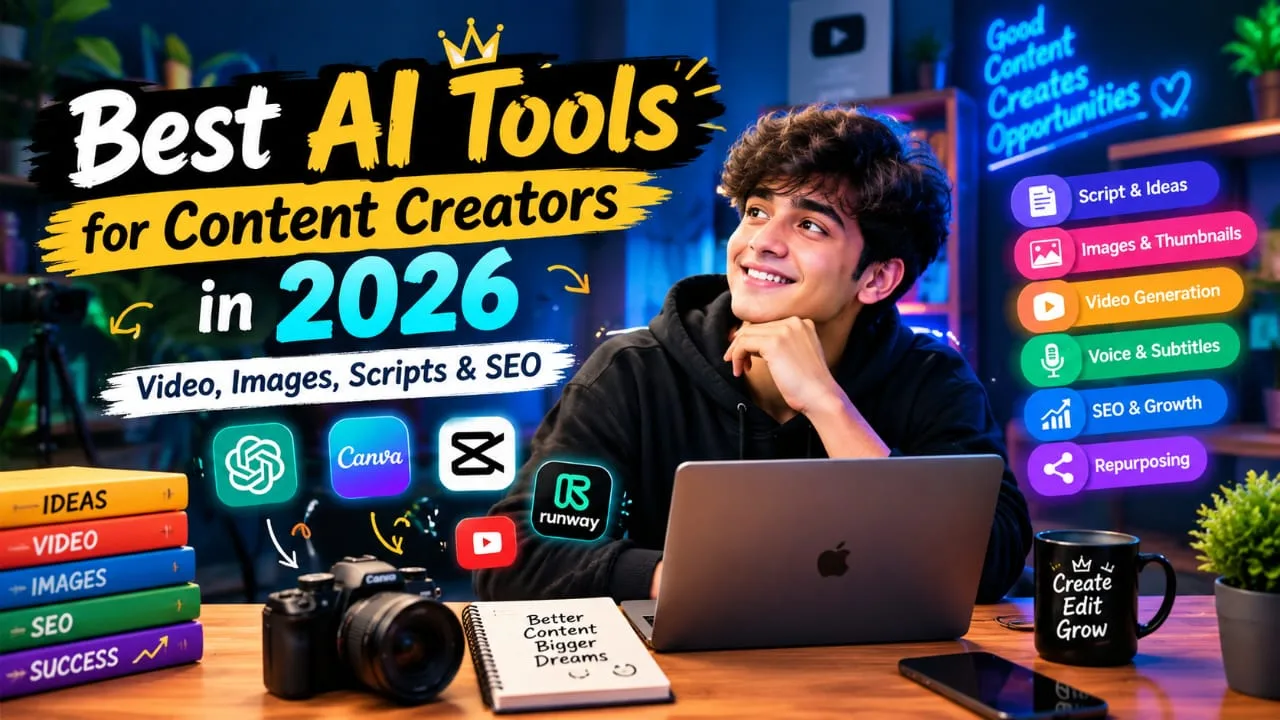
1. Why Best AI Tools for Content Creators in 2026 Are Useful
AI has become a useful part of the modern creator workflow. It can help turn a simple idea into a script, visual, video clip, caption, or content plan. YouTube itself has been adding AI-powered creator features for ideas, titles, thumbnails and outlines.
Save Time on Repeated Work
Creators often spend hours doing small tasks. Writing captions, removing unwanted parts of a video, creating subtitles, resizing designs, and making different versions of content can take a lot of time.
AI can help with these repeated jobs. This gives creators more time to focus on ideas, storytelling, and their audience.
Make Content More Consistent
Using the same style across videos and posts can make a creator easier to recognize. AI can help you create similar formats for thumbnails, captions, scripts, and social posts.
However, your own ideas and final editing are still important. AI should support your creativity, not completely replace it.
Help Beginners Create Better Content
You do not need to be an expert editor or designer to start using AI. Many modern tools are designed for simple workflows. Canva, for example, provides AI features for writing, image editing, design and short video creation.
2. AI Tools for Scripts and Content Research
A strong video usually starts with a strong idea and a clear script. This is where AI writing and research tools can be helpful.
Best AI Tools for Content Creators in 2026 can make script writing and content research simple, especially for YouTube and Instagram creators.
ChatGPT for Ideas and Scripts
ChatGPT can help creators brainstorm video ideas, create outlines, write first drafts, improve hooks, and prepare captions. You can also give it your own style and audience information before asking for a script.
For example, you can ask for a simple YouTube script with an interesting opening, easy language, useful information, and a clear ending.
The final script should still be checked and edited by you. AI can sometimes create incorrect or outdated information.
AI Tools for Research
Research is important before making educational or informative content. AI research tools can help you find topics, understand questions people ask, and organize information.
Instead of copying an AI answer directly, use it as a starting point. Check important facts using reliable sources before publishing.
AI Tools for YouTube Planning
Creators can also use AI to create video outlines, title ideas, hooks, and content calendars. YouTube's creator tools have included AI-assisted suggestions for ideas, titles, thumbnails and outlines.
This can be useful when you know your niche but do not know what to create next.
3. AI Video Tools for YouTube and Instagram
Video creation is one of the biggest areas where AI can save time. Today, creators can use AI for video generation, editing, background changes, effects, and more.
Runway for AI Video Generation
Runway is useful for creators who want to generate visual clips from text or images. Its current Gen-4.5 supports text-to-video and image-to-video workflows, with different aspect ratios for content creation.
For example, a creator can create a visual scene for an introduction, a storytelling video, or a creative Reel.
Good prompts are important. Clear descriptions of the subject, movement, camera and scene usually give the AI better direction.
CapCut for Easy Video Editing
AI-powered editing tools can help creators with tasks such as captions, cutting clips, effects, and short-form editing.
This type of tool is especially useful for creators who make Instagram Reels, YouTube Shorts, and quick social videos.
YouTube Create for Simple Creator Workflows
YouTube Create also includes AI creation features, although some AI features are experimental and available only to selected creators and countries. YouTube says AI-generated content still needs to follow its Community Guidelines.
With the Best AI Tools for Content Creators in 2026, creators can make video production faster while spending more time on ideas and storytelling.
4. AI Tools for Images and YouTube Thumbnails
A good visual can help your content get attention. AI image tools can help creators make thumbnails, backgrounds, illustrations, social posts, and other visual assets.
Canva AI for Thumbnails
Canva is useful for creators who want to design thumbnails without advanced graphic design skills. Its AI tools can help with writing, image generation, editing, resizing, and other design tasks.
You can create a thumbnail idea with AI and then change the text, image, layout, and branding yourself.
ChatGPT for AI Images
ChatGPT can also create and edit images from natural-language instructions. You can describe the subject, background, style, size, and purpose of the image.
This can be useful when you need a custom image for an article, video, social post, or thumbnail.
Keep Thumbnails Simple
Do not put too much information on a thumbnail. Use one clear idea, readable text, and a strong visual focus.
The thumbnail should support the video title rather than simply repeating the same words.
5. AI Tools for Voice, Subtitles and Editing
Good audio and clear subtitles can make videos easier to understand. AI tools can help creators improve these parts without spending hours editing.
AI Voice Tools
AI voice tools can create voiceovers from written scripts. They can be useful for explainers, educational videos, storytelling, and videos where the creator does not want to record their own voice.
ElevenLabs is one example of an AI voice platform commonly used for voice generation andcreator workflows.
Always check the tool's voice and commercial-use rules before using generated audio in professional content.
AI Subtitles and Captions
Subtitles are especially useful for Shorts and Instagram Reels because many people watch social videos without sound.
AI caption tools can automatically turn speech into text. You should still check the captions because names, technical words, and accents may sometimes be understood incorrectly.
Edit Videos Through Text
Some AI editors allow creators to work with a transcript instead of manually searching through the entire video.
This can make it easier to remove unwanted sentences, find important sections, and prepare shorter clips from longer recordings.
6. AI Tools for SEO and YouTube Growth
Creating a good video is only one part of the process. People also need to find it. This is why SEO is important for creators.
AI Keyword Research
AI SEO tools can help you find keywords and related search ideas. For YouTube, tools such as vidIQ provide keyword research and AI-based optimization features. Its 2026 YouTube SEO guide covers keyword research, titles, descriptions, thumbnails, captions and analytics.
For example, instead of targeting only a broad keyword like “AI tools,” you could research more specific phrases such as “AI tools for YouTube creators.”
Create Better Titles and Descriptions
AI can generate several title ideas and help organize a video description. But do not fill titles with keywords just for SEO.
A good title should clearly tell viewers what the video is about and make them interested in watching.
Use SEO Naturally
The main keyword should appear naturally in the title, introduction, headings, URL, and relevant content.
Keyword stuffing can make an article or video description difficult to read. Search engines care about useful content and user experience, not just repeated keywords.
Best AI Tools for Content Creators in 2026 can make SEO work easier by helping with keyword ideas, titles, descriptions, and content planning. However, creators should always focus on useful content and a good viewer experience.
7. AI Tools for Content Repurposing
One piece of content can often become many smaller pieces. AI can make this process much faster.
Turn Long Videos into Shorts
Tools such as OpusClip can help identify interesting sections from longer videos and turn them into short clips.
For example, a 20-minute YouTube video could provide several short clips for YouTube Shorts, Instagram Reels, or other platforms.
Turn Videos into Social Posts
Your video script can also become captions, quotes, social posts, or short articles.
This means one research session can create content for several platforms instead of starting from zero every time.
Build a Simple Content System
A useful workflow could look like this:
- Idea → Research → Script → Video → Subtitles → Thumbnail → SEO → Shorts → Social Posts
Using AI at each step can reduce repetitive work. However, the creator should remain involved in choosing ideas, checking facts, editing the final content, and adding a personal voice.
8. How to Choose the Right AI Tools for Your Content
There is no single AI tool that is perfect for every creator. Your best tools depend on your content type, budget, skills, and goals.
Choose Tools Based on Your Work
If you mainly create YouTube videos, focus on script, video editing, thumbnail, SEO, and repurposing tools.
If you mainly create Instagram content, focus more on short video editing, images, captions, voice, and content planning.
Do not subscribe to ten tools when you only need three or four.
Check Quality Before Publishing
AI can save time, but it can also make mistakes. Check facts, images, voices, subtitles, and generated text before publishing.
This is especially important for educational, news, financial, health, or other sensitive topics.
Keep Your Human Creativity
The biggest advantage of AI is not that it can do everything for you. Its value is helping you move faster while you stay in control.
Your experience, opinions, storytelling, personality, and connection with your audience are still what make your content different.
The Best AI Tools for Content Creators in 2026 can help you save time, but the right tool depends on the type of content you create and the work you want to make easier.
9. Final Thoughts
The Best AI Tools for Content Creators in 2026 are not simply the tools with the most features. The right tools are the ones that make your own workflow easier.
Creators can use AI for research, scripts, YouTube videos, Instagram Reels, images, thumbnails, voiceovers, subtitles, SEO, and content repurposing. Tools such as ChatGPT,Canva, Runway, CapCut, voice platforms, and YouTube's own creator features can each support different parts of the process.
Choosing the Best AI Tools for Content Creators in 2026 depends on your content type, goals, budget, and workflow.
Frequently asked questions
What are the best AI tools for content creators in 2026?
The best AI tools depend on your content needs. Creators can use AI tools for scripts, videos, images, thumbnails, voiceovers, subtitles, research, SEO, and content repurposing.
Which AI tools are useful for YouTube creators?
YouTube creators can use AI tools for video ideas, scripts, thumbnails, editing, subtitles, keyword research, titles, descriptions, and Shorts. Tools like ChatGPT, Canva, CapCut, Runway, and YouTube's own AI features can support different parts of the workflow.
Can AI tools create videos for YouTube and Instagram?
Yes. Some AI video tools can create or edit videos using text, images, or existing footage. They can be useful for YouTube videos, Shorts, Instagram Reels, and other social media content.
Can AI help with YouTube SEO?
Yes. AI can help creators find keyword ideas, improve titles and descriptions, organize content, and create SEO-friendly content. However, keywords should be used naturally and the final content should be useful for viewers.
Can AI completely replace content creators?
No. AI can help with many time-consuming tasks, but human creativity, personal experience, storytelling, and final decisions are still important. The best approach is to use AI as a helpful tool while keeping your own creative voice.