Finding and Refining Your App Concept
Every great digital application begins with a simple, clear idea. You do not need to invent a world-changing social network or a multi-million-dollar video game to create something valuable. In fact, the most practical apps are usually the ones that solve small, specific, everyday problems for real people.
Spotting Daily Problems
Take a look around your daily life at school, home, or hobbies. Are there repetitive tasks that take too long or feel disorganized?
Does your local sports team struggle to keep track of practice schedules and location updates?
Do your classmates need a quick way to share homework notes and flashcards?
Does a local neighborhood shop need a clean way to display their daily product list?
When you build an app that solves a specific headache for a specific group of people, you instantly create something that people will want to use.
Starting Small with a Minimal Build
When you first begin designing your app, it is very easy to get carried away with big dreams. You might want to add live video streaming, instant group chats, animated rewards, and customizable themes right away. However, trying to build too many features at once usually leads to confusion, bugs, and frustration.
Instead, start by building the smallest possible version of your idea. In the software world, this is often called a Minimum Viable Product, or MVP. An MVP includes only the absolute essential features needed to solve the main problem.
For example, if you want to build an app for buying and selling second-hand books at school, your initial version only needs three main things:
A page to list a book with a photo and price.
A search bar to look for specific titles.
A simple contact button to message the seller.
You can always add extra features like user reviews, dark mode, or reward badges later after your core app is working smoothly.
Selecting the Best Platform for Your Project
Features and publishing options vary by platform and plan, so check the current platform documentation before choosing a tool. Visual application tools are generally divided into two categories: no-code tools and low-code tools.
Understanding No-Code and Low-Code
No-Code Platforms: These platforms are designed entirely for beginners. You build your app visually by dragging boxes, text headers, buttons, and images onto a screen layout. You set up rules using simple drop-down choices like "When this button is clicked, go to Screen B." You never have to look at or touch computer code.
Low-Code Platforms: These tools are built mainly visually, but they give you the option to paste small bits of custom code if you want highly advanced animations or unique custom connections.
For your very first project, sticking to a complete no-code builder is usually the easiest and fastest choice.
Popular Beginner Platforms
Here is a breakdown of several reliable visual platforms you can try:
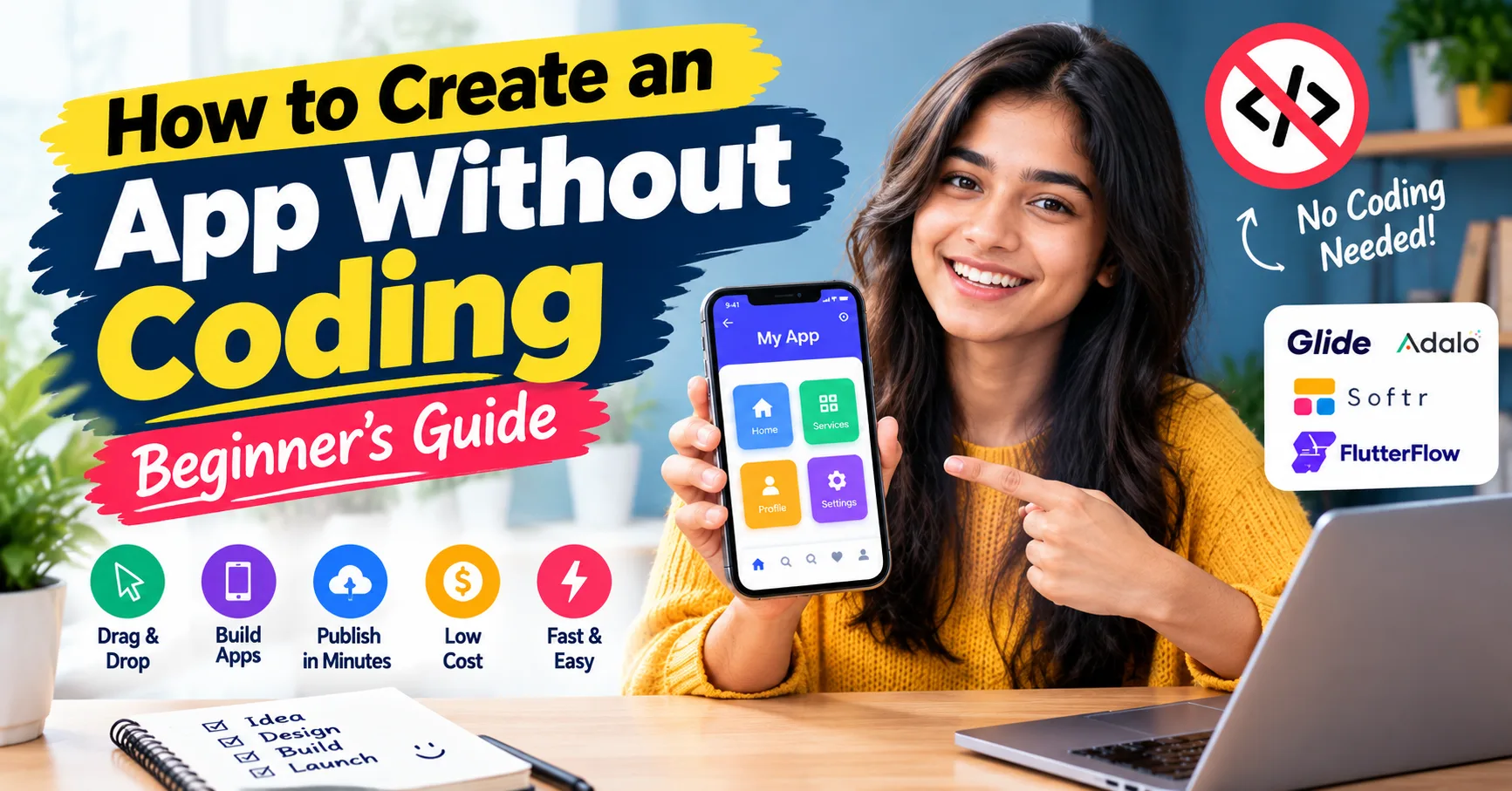
Glide: Glide is one of the easiest visual tools available. It takes information stored in a standard Google Sheet or Airtable base and automatically turns it into a clean, modern mobile app. It is ideal for directories, event schedules, task trackers, and simple product catalogs.
Adalo: If you want your app to feel like a classic smartphone app with custom screen transitions and draggable components, Adalo offers a flexible drag-and-drop canvas.
Softr: Softr is built specifically for creating web applications and membership portals. It connects easily to simple databases like Airtable or Notion, allowing you to build web apps in a matter of hours.
FlutterFlow: FlutterFlow offers greater design freedom and advanced features, but it has a slightly higher learning curve. It is great if you want to learn more advanced app design logic down the road.
Take some time to look at quick starter video guides for two or three of these tools to see which interface feels the most intuitive to you. readmore
Designing a Clear Layout and User Experience
Now that you have chosen your tool, it is time to plan how your app will actually look and behave on screen. Jumping straight into building screens without planning usually results in a messy interface that confuses users.
Sketching Simple Wireframes
Before clicking buttons inside your visual platform, grab a piece of plain paper and a pencil. Draw basic rectangular boxes to represent phone screens, and sketch out where your buttons, text titles, pictures, and menu bars will go. These basic sketches are called wireframes.
Planning your screens on paper helps you figure out the path a user will take. For instance, when a user opens your app:
What is the very first screen they see?
What happens when they tap the main action button?
How do they return to the main dashboard if they get lost?
Fixing navigation mistakes on a paper sketch takes five seconds, whereas fixing them after building ten screens inside a visual builder takes much longer.
Keeping Your Design Simple and Clean
Good app design is not about adding as many graphics and colors as possible. In fact, simple designs are much easier and more enjoyable to use. Keep these practical tips in mind:
Stick to a Simple Color Scheme: Pick two or three main colors that match your theme. Use light gray or white for background areas, dark text for easy reading, and one bold accent color for major action buttons.
Use Clear Fonts: Stick to standard, easy-to-read sans-serif fonts. Make sure titles are clearly larger than regular paragraph text so users can scan screens quickly.
Give Buttons Room to Breathe: On a small mobile phone screen, small buttons placed too close together lead to accidental taps. Make sure buttons are large enough to easily press with a thumb and leave plenty of empty space around interactive elements.
Understanding How to Create an App Without Coding Using Data and Visual Logic
To make your app do real work—like saving user profiles, displaying lists, or processing forms—you need to understand how databases and visual logic rules work together. Learning how to create an app without coding becomes much easier once you see how these two pieces fit together.
Setting Up Your Database Simply
A database sounds technical, but it is really just an organized digital notebook made of structured tables. Each table holds a specific category of information.
For instance, if you are building an app for a local library or book club, your database might have three basic tables:
Users Table: Stores information about members, such as their username, email address, and profile picture.
Books Table: Stores information about available books, such as title, author, cover photo, and availability status.
Loans Table: Connects a specific User to a specific Book to show who currently has a book borrowed and when it is due back.
When your database tables are organized neatly, your app can display dynamic lists automatically without you having to manually update every single screen.
Building Visual Logic Rules
Instead of writing lines of code commands, visual app builders allow you to create automated actions using step-by-step logic builders.
You build logic rules using simple trigger-and-action conditions:
Trigger: The event that starts the action (for example: User taps the "Reserve Book" button).
Action Step 1: Update the book's status in the database from "Available" to "Reserved".
Action Step 2: Save the user's ID into the Loans table.
Action Step 3: Display a friendly pop-up message saying "Book Reserved Successfully!" and take the user back to their home screen.
Because these sequences are set up using clear menus and dropdown boxes, building interactive application behaviors is as simple as building a workflow chart.
Adding Useful Features and Integration Tools
Once your database and core screen flows are working, you can enhance your app with standard functional features that make the experience smoother.
User Sign-Ups and Profiles
Most apps need a way to recognize individual users. Modern no-code platforms offer built-in user sign-up modules. These allow users to securely register using an email and password or sign in instantly with existing Google or Apple accounts. Once logged in, users can view their personalized home screen, edit their profile info, and view their past activity.
Forms and Input Collections
To collect information from your users, you can drop customizable form fields onto your screens. How to Create an App Without Coding: Beginner’s Guide These include text boxes, numeric input lines, dropdown choice menus, date selectors, and image upload buttons. Always add clear labels above your form fields so users know exactly what information to enter.
Notifications and Automated Alerts
Automated alerts help keep users coming back to your app. You can configure automatic emails or simple push notifications that send alerts when specific events happen—such as when a new note is shared, an item is updated, or a task deadline is approaching. readmore
Testing Your App Thoroughly Before Launch
Before sending your app link to classmates, friends, or customers, you need to test every single screen to make sure everything works without errors or awkward glitches.
Performing a Complete Walkthrough
Open your app on your computer screen or phone and walk through every possible action as if you were a brand-new user visiting for the very first time:
Create a brand-new user account using a test email.
Fill out every form field and tap every single button on every screen.
Test what happens if you leave a required text box blank—does the app show a helpful warning message?
Check how your app looks on a small phone screen compared to a larger tablet or laptop screen.
Getting Outside Feedback
Ask two or three friends or family members to try out your app while you watch them. Do not tell them what buttons to press or give them instructions ahead of time. Simply watch where they tap naturally and pay attention to any moments where they get confused or pause. This feedback shows you exactly which screens or buttons need clearer labels.
Publishing and Launching Your App
When your app runs reliably and looks clean, you are ready to publish it so people can start using it.
Web Apps and Progressive Web Apps
The fastest and simplest way to launch an app is as a Web App or Progressive Web App (PWA). Web apps run directly inside standard internet web browsers on both phones and computers.
Platforms like Glide, Softr, and Bubble allow you to publish your project instantly with the click of a button. You get a direct web link that you can text to friends, share on social media, or embed on a website. Users can open and use your app right away without having to download anything from an store.
Publishing to Native Phone Stores
If you want your app to be downloadable directly from the Apple App Store or Google Play Store, platforms like Adalo and Flutter Flow can package your visual project into native app files. You will need to set up a developer account on those store platforms, upload screenshots, write a short descriptive summary, and submit your project for review. readmore
Basic App Maintenance and Continuous Growth
Launching your app is an exciting milestone, but app creation is an ongoing process. Once real people start using your software, keeping it useful requires basic ongoing maintenance.
Listen to User Suggestions: Pay attention to the questions and ideas your early users share. If multiple users ask for a specific feature, put that item at the top of your list for your next round of visual updates.
Keep Data Clean: Periodically check your database tables to make sure test accounts, blank submissions, or old outdated entries are removed so your app loads quickly.
Make Small, Incremental Updates: Instead of completely changing your app layout all at once, release small improvements every few weeks. Adding one polished feature at a time keeps your app fresh while keeping it reliable and easy to use.
Professional Assistance with TZAP Marketing
If you want to build a custom application, improve your online presence, or implement digital automation for your business, TZAP Marketing provides end-to-end expertise in web development, digital marketing, and automated business solutions.
Conclusion
Building your own software application used to be a long, complicated task that required deep computer programming knowledge. Today, visual building platforms have completely opened up digital development to anyone with an internet connection and a creative idea. By following a clear, step-by-step path—identifying a practical problem, picking a simple platform, sketching visual layouts, setting up visual database logic, and testing thoroughly—By following a clear, step-by-step process, beginners can learn how to create an app without coding and turn a simple idea into a functional application.
The absolute best way to master this new skill is to dive in and start building. Pick a small, fun project idea today, sign up for a free visual builder account, and begin building screen by screen. You will be amazed at how quickly your idea transforms into a fully functional app you can share proudly with the world!
Frequently asked questions
Can I really create a mobile app without coding?
Yes, modern no-code platforms allow you to create fully functional mobile and web applications using visual drag-and-drop builders, pre-built templates, and database workflows without writing a single line of code.
How much does it cost to build a no-code app?
Many no-code platforms like Glide, Adalo, and Softr offer free plans to start building. Paid plans usually range from $15 to $50 per month depending on advanced features, custom domains, and database limits.
How can an SEO company in Durgapur help promote my new app?
Building an app is only the first step; getting users to find it is equally important. A professional SEO company in Durgapur helps optimize your web app, landing page, and online content to rank higher on Google search results and drive organic traffic.
How does SEO digital marketing in Asansol help local businesses grow online?
Implementing SEO digital marketing in Asansol helps local businesses and app creators reach targeted audiences across Asansol and surrounding regions, turning online searches into real customer leads and app downloads.